
Scary Coloring Pages
Download free printable scary coloring pages! Perfect for Halloween, parties, or just some frightfully good creative fun. Get yours now!
5 coloring pagesFree to printA4 / Letter
Showing 5 coloring pages
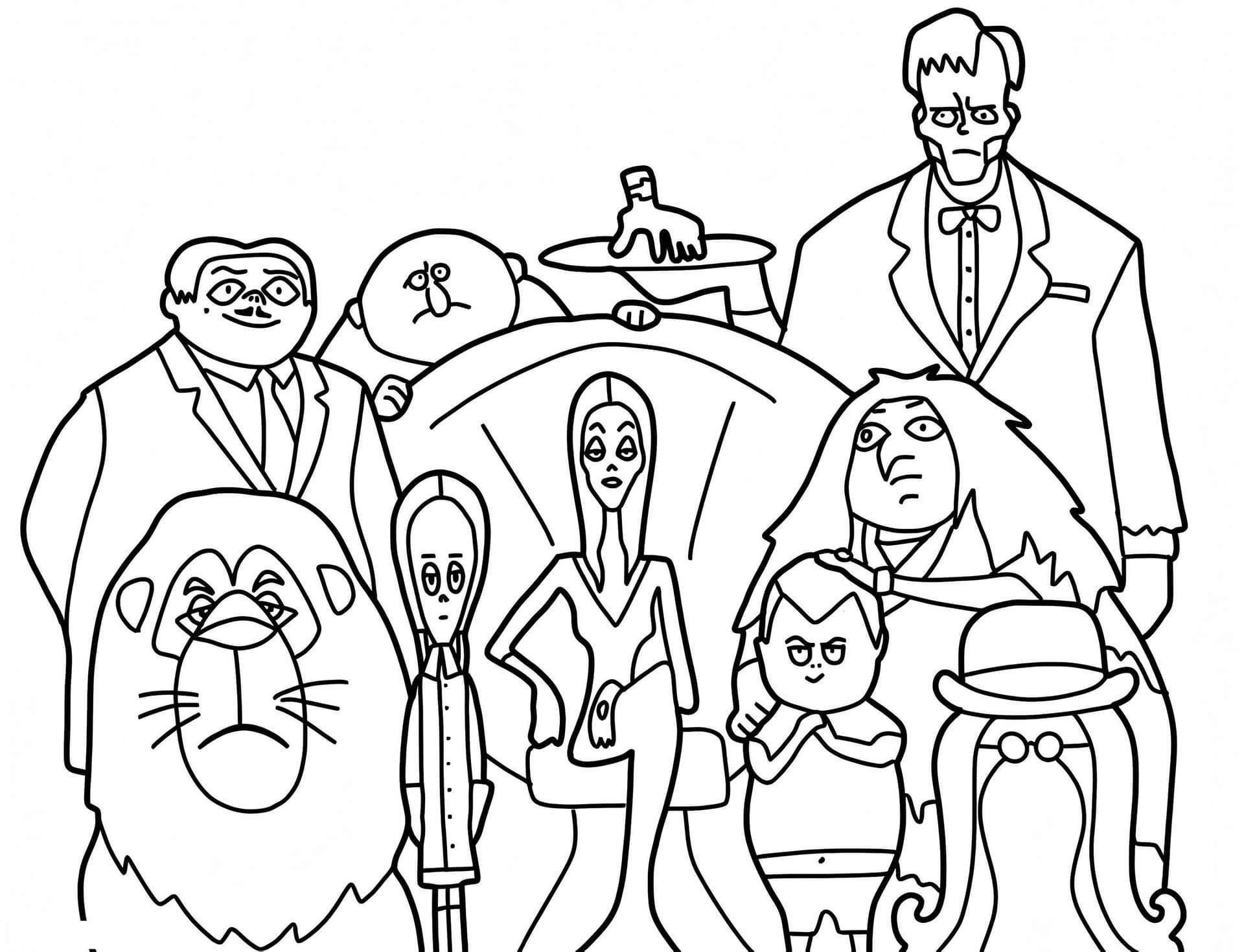
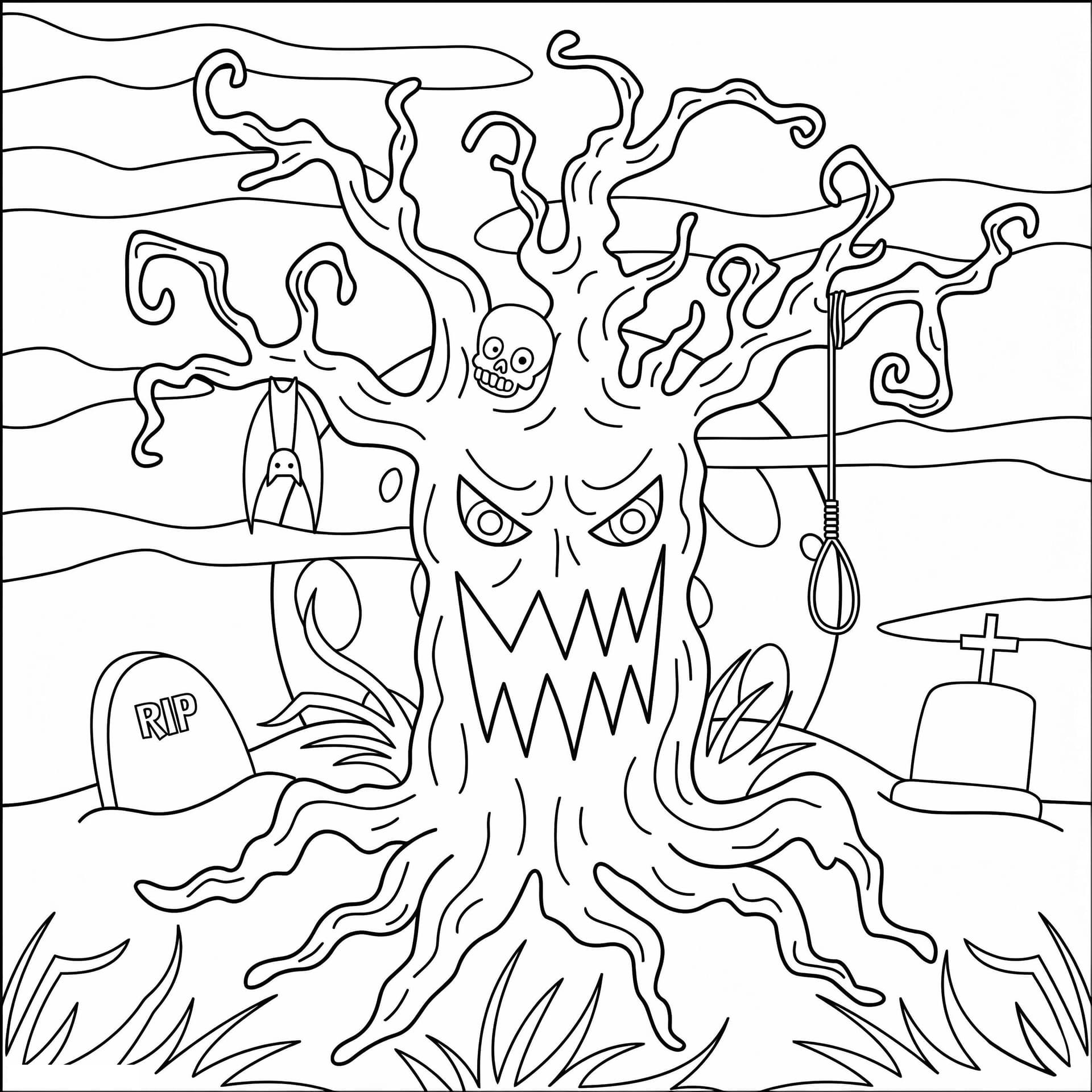
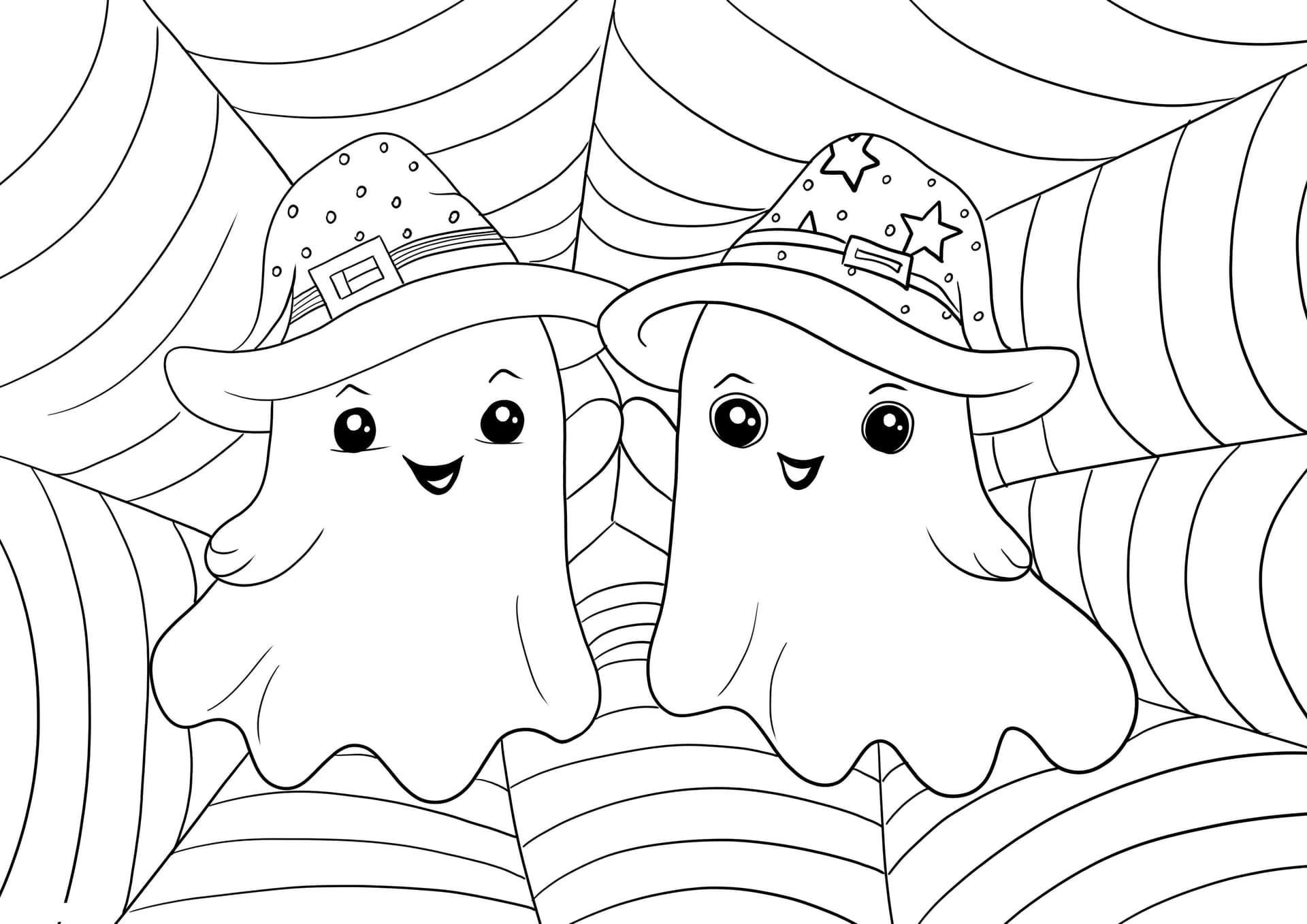
Spooky & Scary Coloring Pages
Get ready for some spine-chilling fun with our collection of scary coloring pages! Perfect for anyone who loves a good fright, these designs offer a fantastic way to explore darker themes through vibrant colors. Unleash your inner artist and bring these creepy characters to life!
Our scary coloring pages are designed for kids and adults alike, offering a unique creative outlet. They’re perfect for Halloween parties, themed events, or simply as a way to unwind with a bit of thrilling art. Let your imagination run wild and add your own spooky twists!
What's Inside Our Scary Collection
- Monsters: From goofy ghouls to classic creatures of the night.
- Ghosts: Ethereal apparitions and friendly spirits.
- Witches & Wizards: Magical characters with cauldrons and spellbooks.
- Spiders & Skeletons: Creepy crawlies and bony figures for a fright.
Unleash Your Imagination with Coloring
These pages are perfect for honing fine motor skills or simply enjoying a relaxing artistic escape. Grab your crayons, markers, or colored pencils and dive into this wonderfully wicked world. Download and print your favorite scary designs for free, or try coloring them online today!
Want a custom Scary coloring page?
Describe your idea and our AI will generate a unique printable page.
More Other categories
Frequently asked questions
How many Scary coloring pages are there?
We have 5 free printable pages in the Scary category. New pages are added regularly.
Are these Scary coloring pages free to print?
Yes. All Scary pages are free for personal and educational use — print at home, photocopy for the classroom, or color online directly in the browser.
Can I color these pages online?
Every page has a "Color Online" button that opens our in-browser editor. Save your work to the gallery or download a PNG when you're done.
What paper size should I print on?
All pages are designed to print cleanly on standard A4 or US Letter paper. Use "Fit to page" in your printer settings for best results.