Free AI Coloring Page Generator
Describe what you want to color and our AI will create a unique printable page. No account required.
20 of 20 free generations left today
Recent community generations
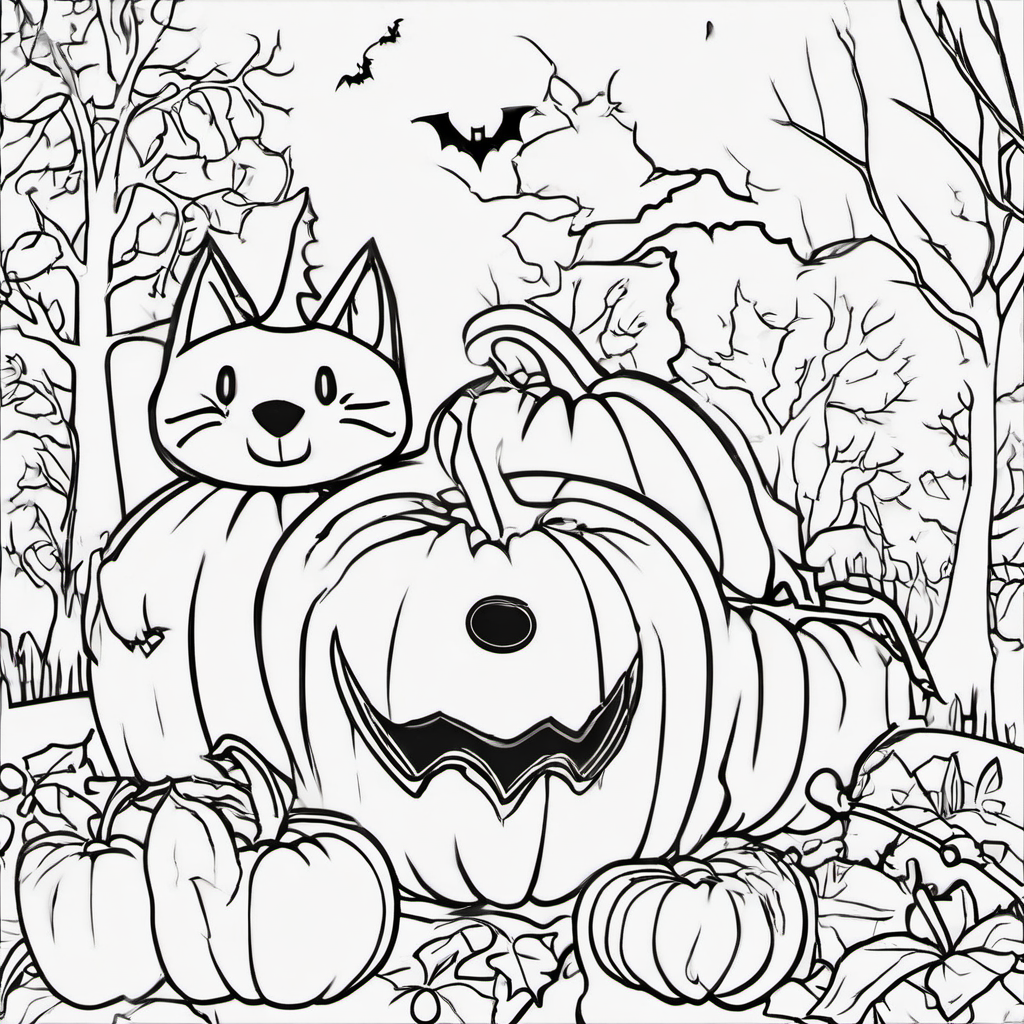

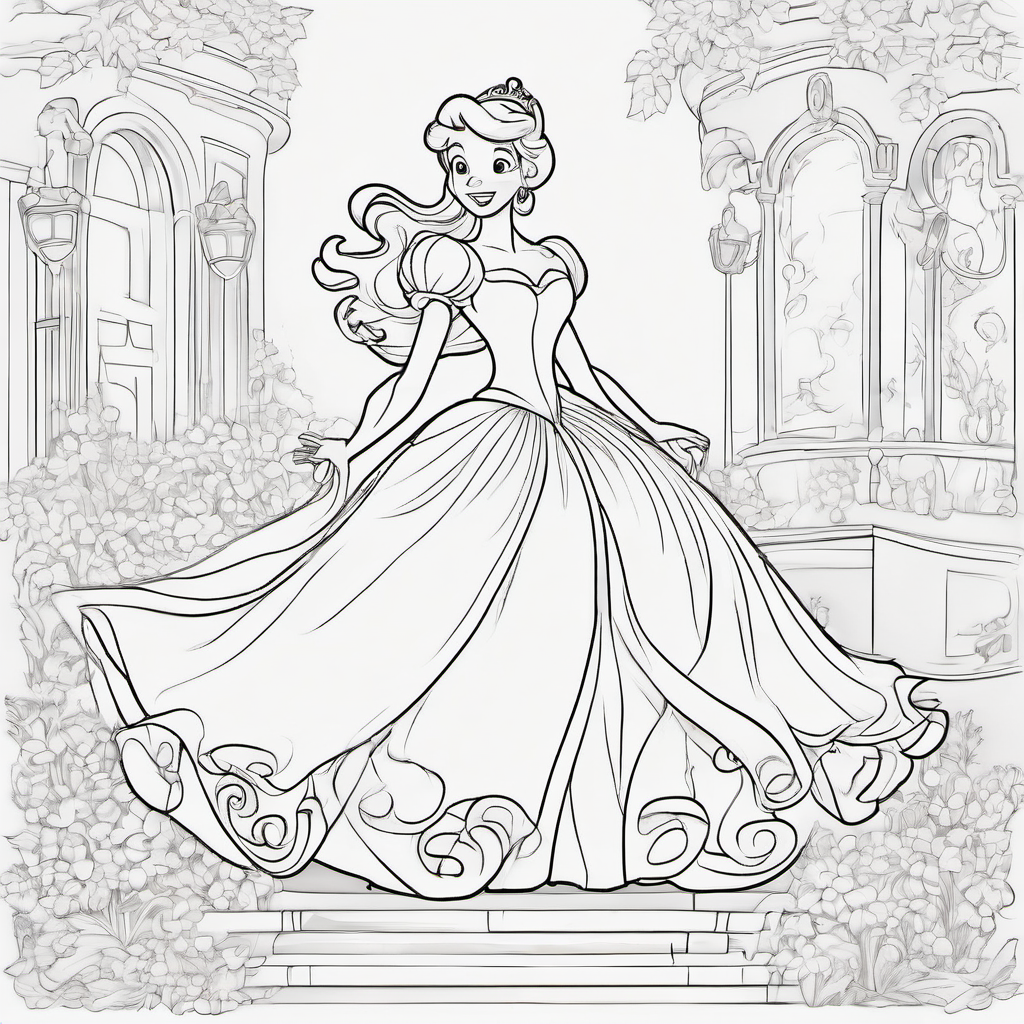
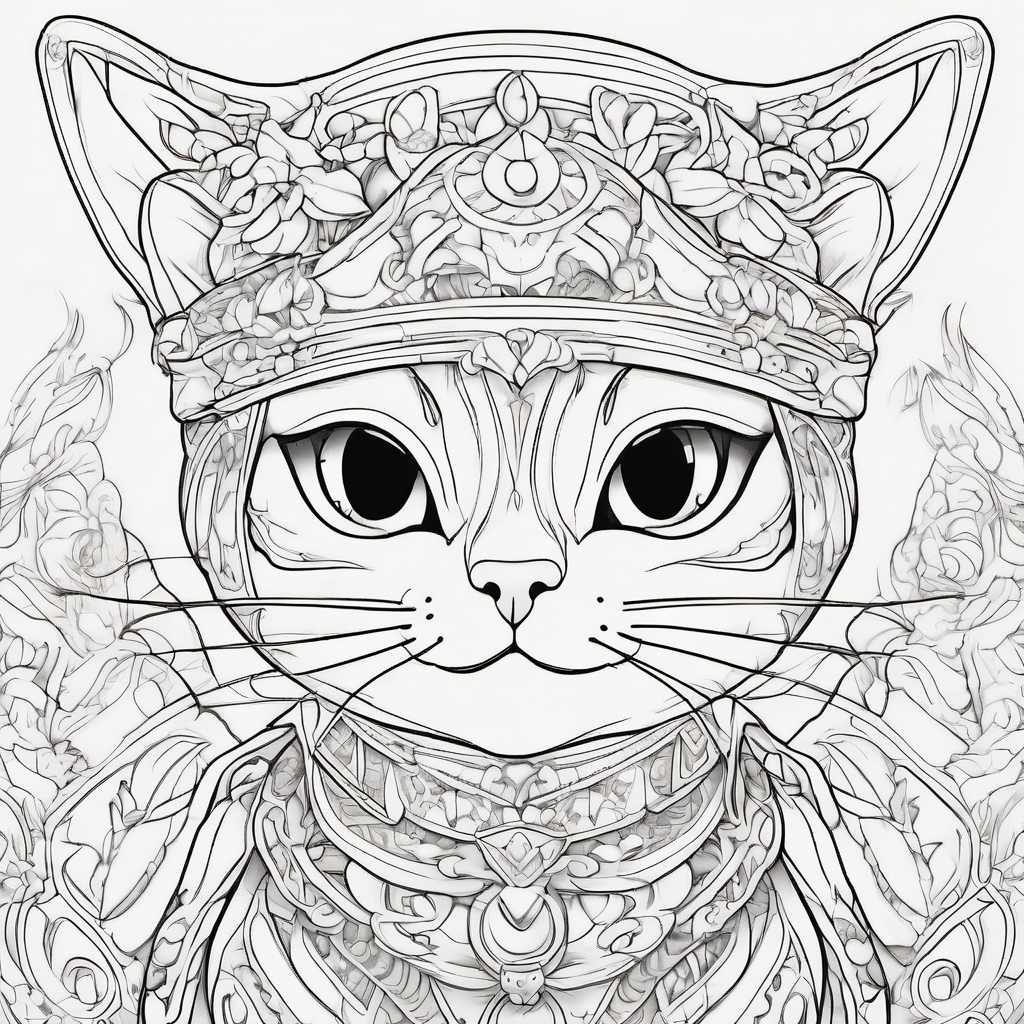
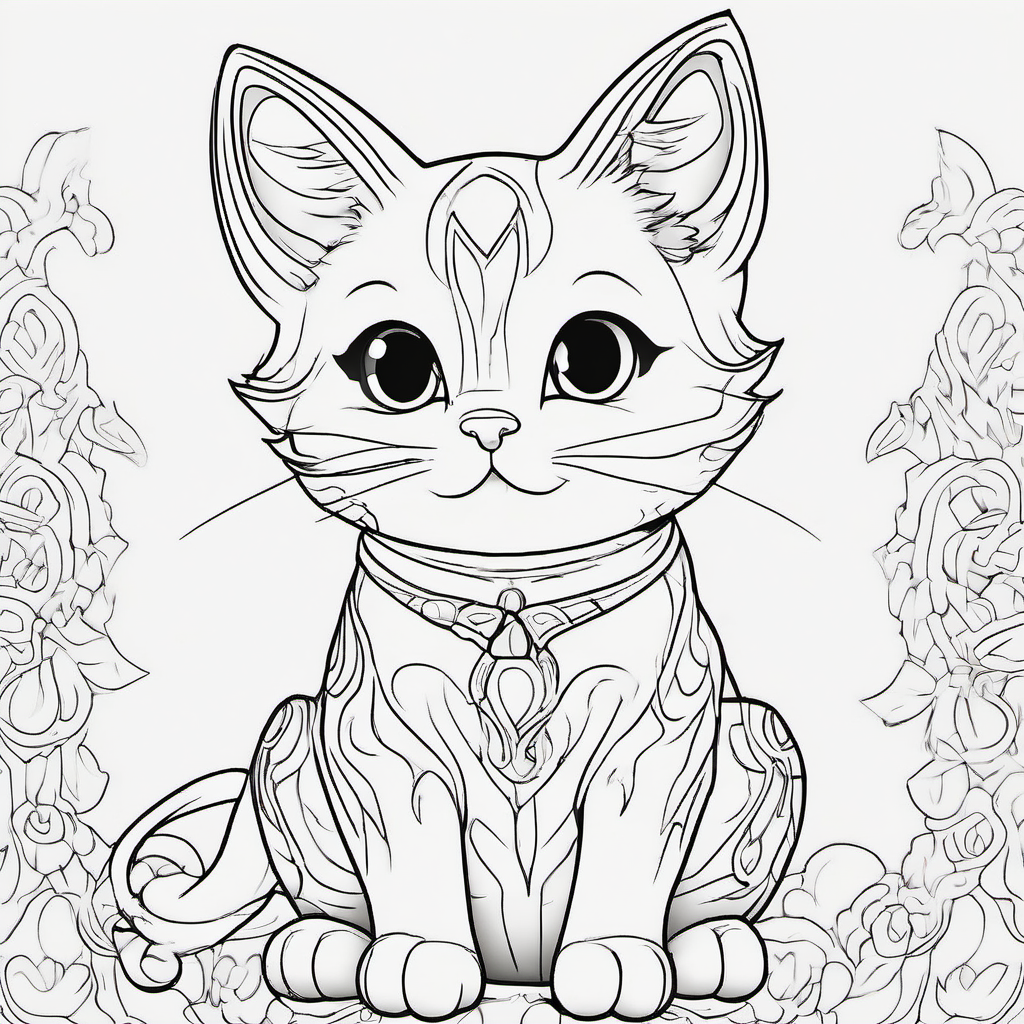
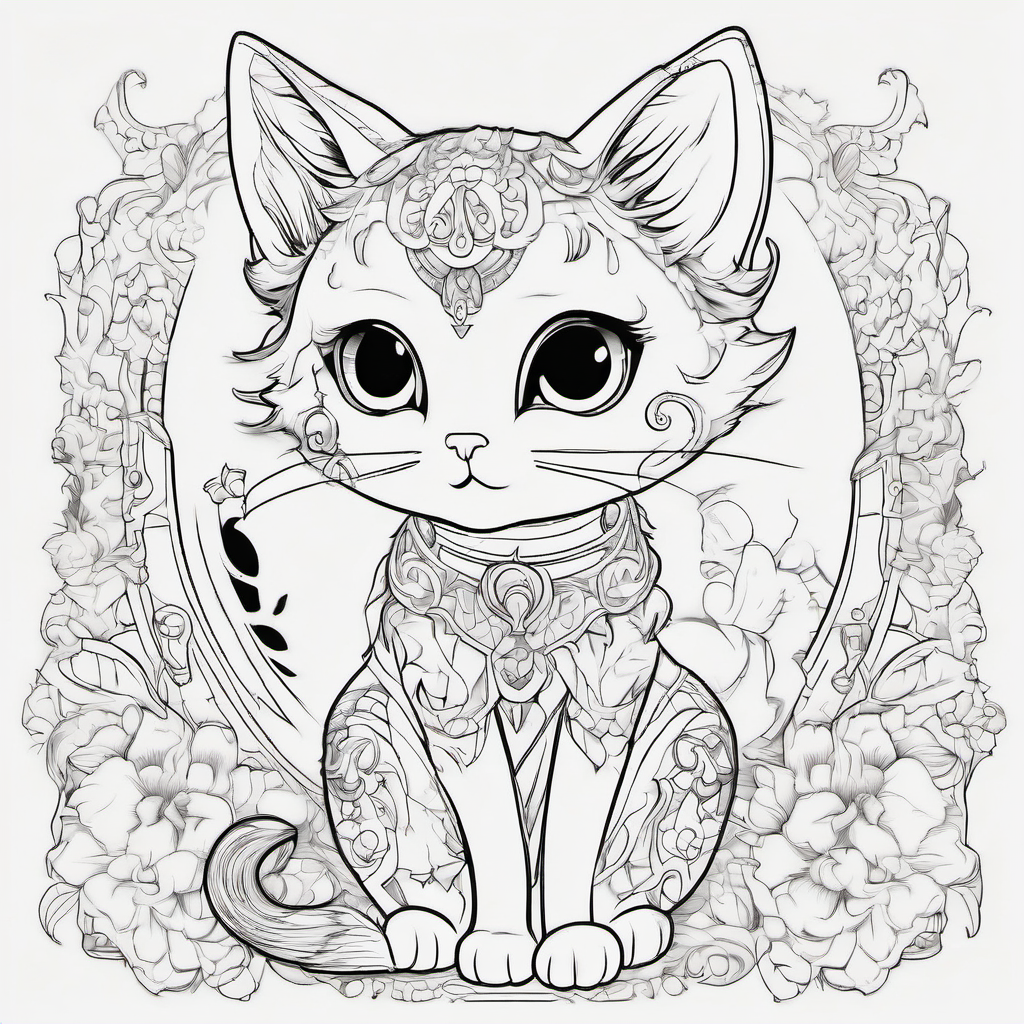
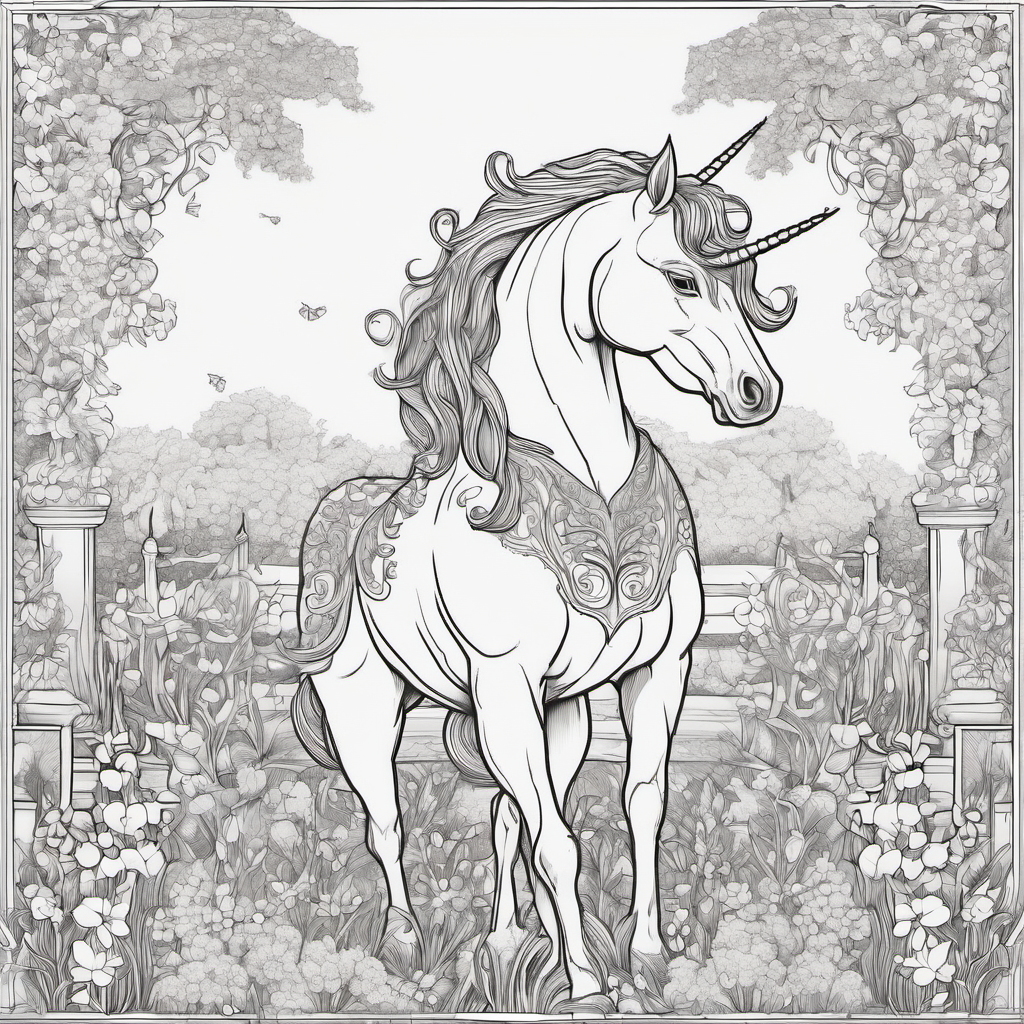
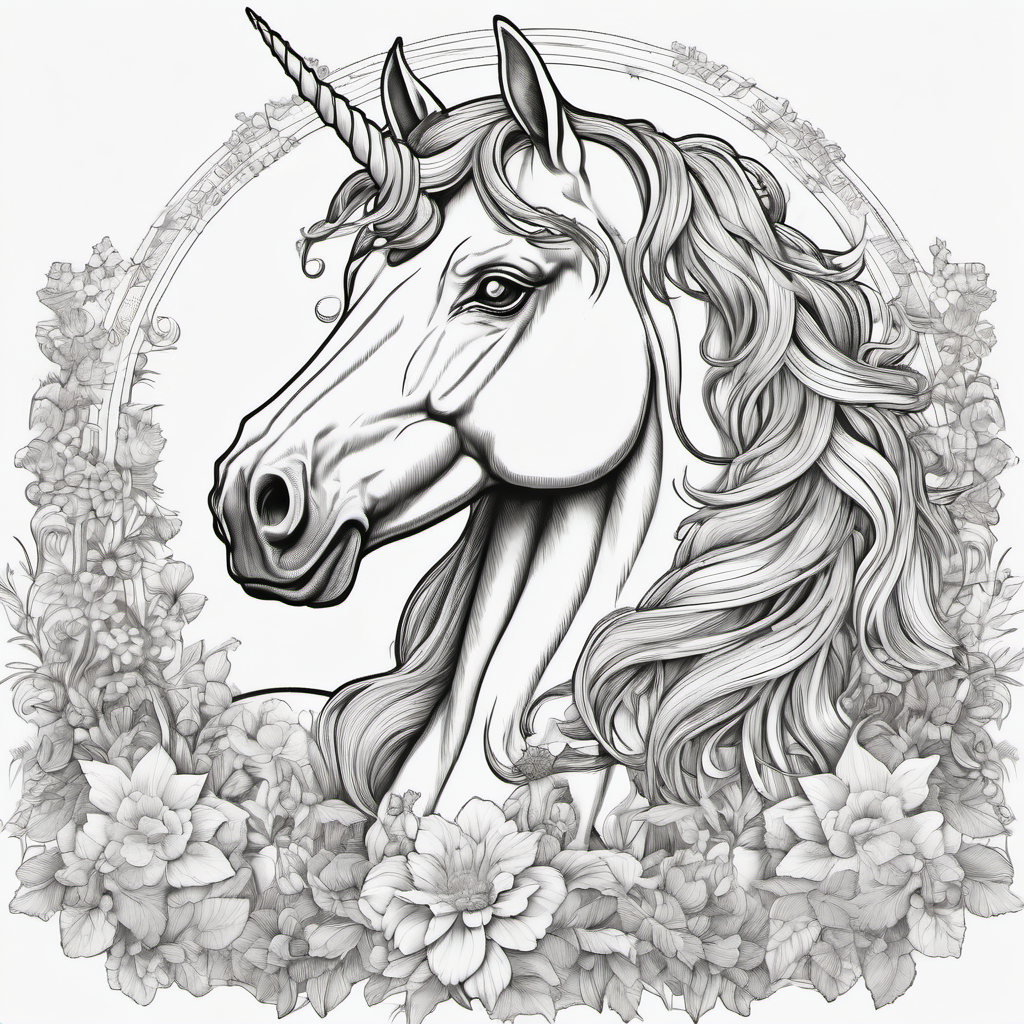
Frequently asked questions
Is the AI coloring page generator free?▼
Yes. Coloro's AI generator is free for everyone — no account, no credit card, no watermark. Each visitor gets a daily quota of generations that resets every 24 hours.
How does the AI generate a coloring page?▼
You describe what you want (e.g. "a unicorn in a magical garden"), pick a style and difficulty, and the AI returns a clean black-and-white line drawing optimized for printing and coloring.
Can I print and use the generated pages with my kids or class?▼
Yes. AI-generated pages, just like the rest of Coloro's library, are free for personal and educational use under our license. Commercial use needs a separate licence.
What styles and difficulty levels are supported?▼
Six styles (Simple, Detailed, Mandala, Cartoon, Realistic, Zentangle) and three difficulty levels (Kids, All ages, Advanced) so you can match the result to the age and skill of who's colouring.
Can I color the generated page online?▼
Yes. Every generated page has a Color Online button that opens it in our browser coloring editor — fill, brush, undo, redo, and download the finished artwork.